

01
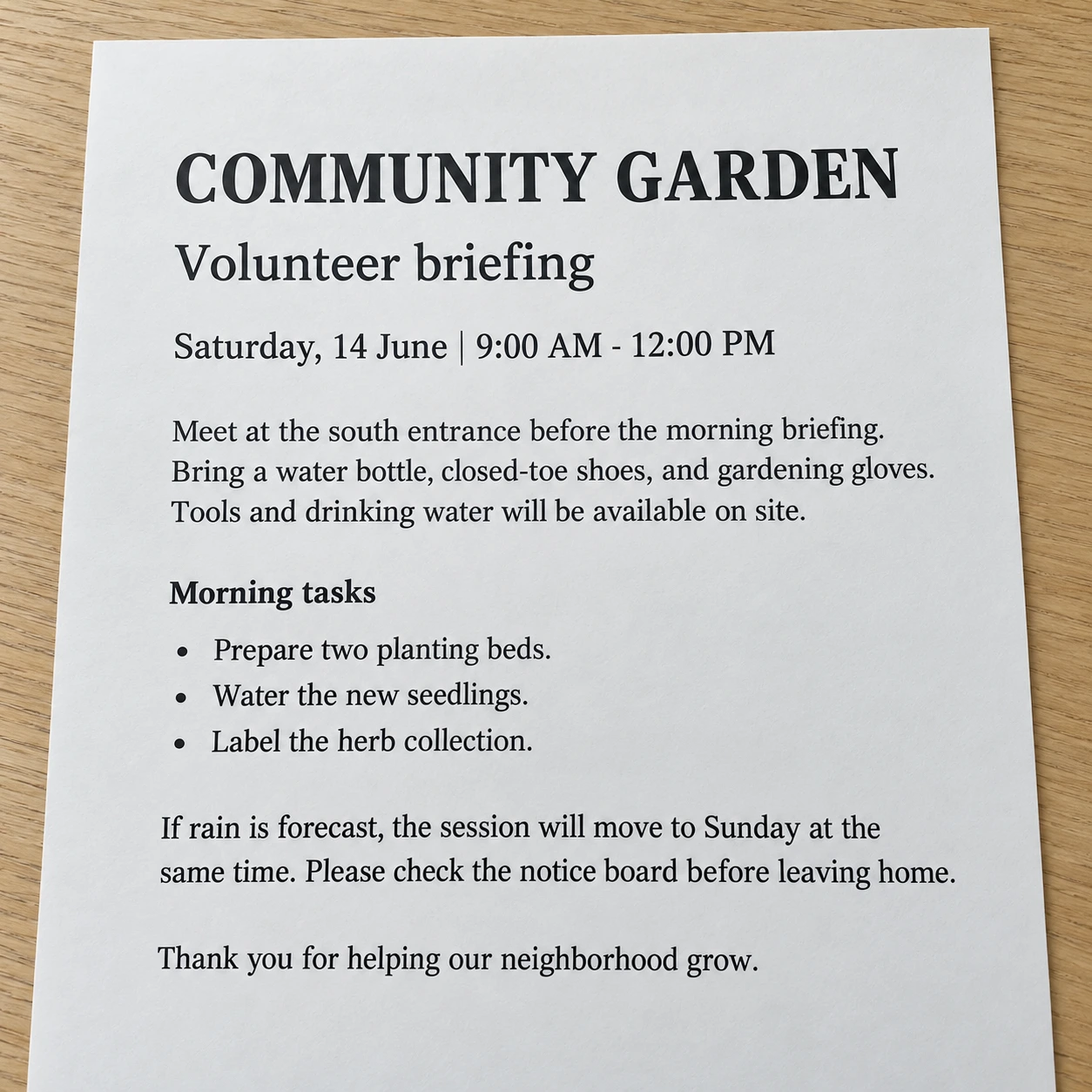
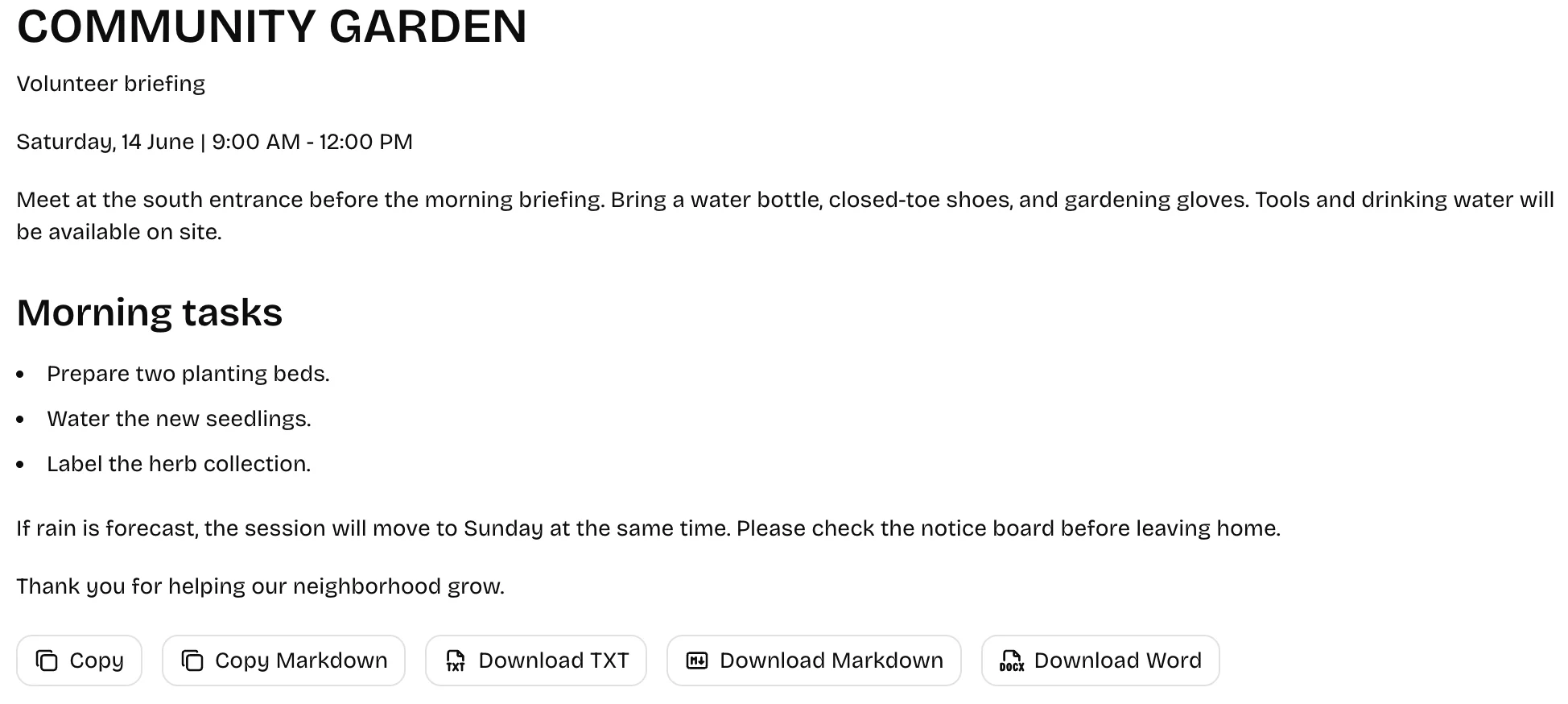
Printed document to editable text
Recognize a photographed document as Markdown with headings, paragraphs and lists when visible.
Free · No Daily Quota
Convert images, screenshots, and handwriting into editable text with AI OCR. Copy results or download TXT, Markdown, or Word.
No sign-up · Ads support free OCR (hidden with credits) · Images sent to third-party AI. View plans · Privacy Policy
HOW IT WORKS
Upload a JPG, PNG, WebP, HEIC, HEIF, or BMP image up to 10 MB. You can also drag and drop a file or paste a screenshot.
Click “Extract Text” to recognize the document content and useful structure in your image.
Check the text, numbers and table structure, then copy plain text or Markdown or download TXT, Markdown or Word. Make any corrections in your preferred editor.
EXAMPLES
Compare the original images with real Markdown recognition results.
01
Recognize a photographed document as Markdown with headings, paragraphs and lists when visible.
02
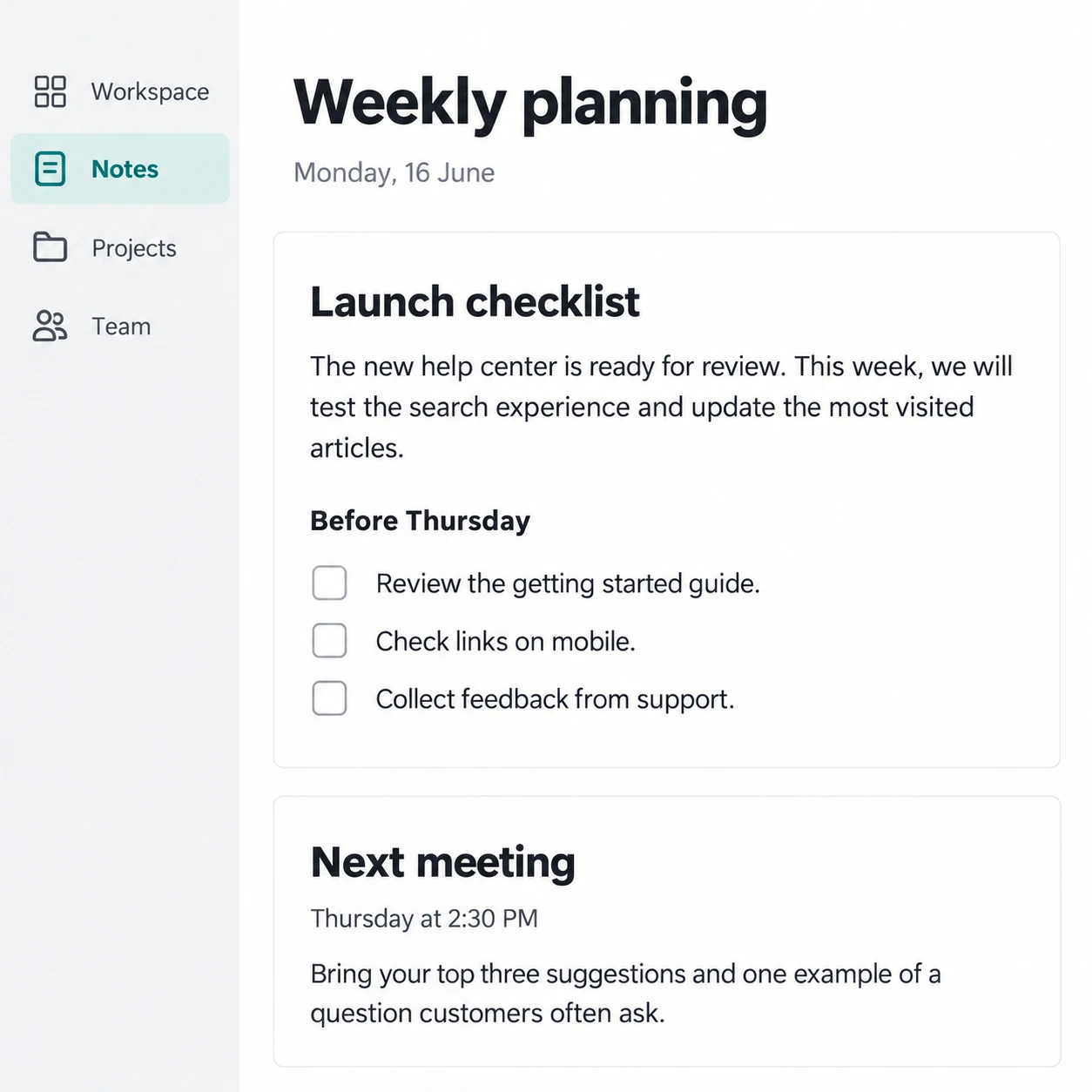
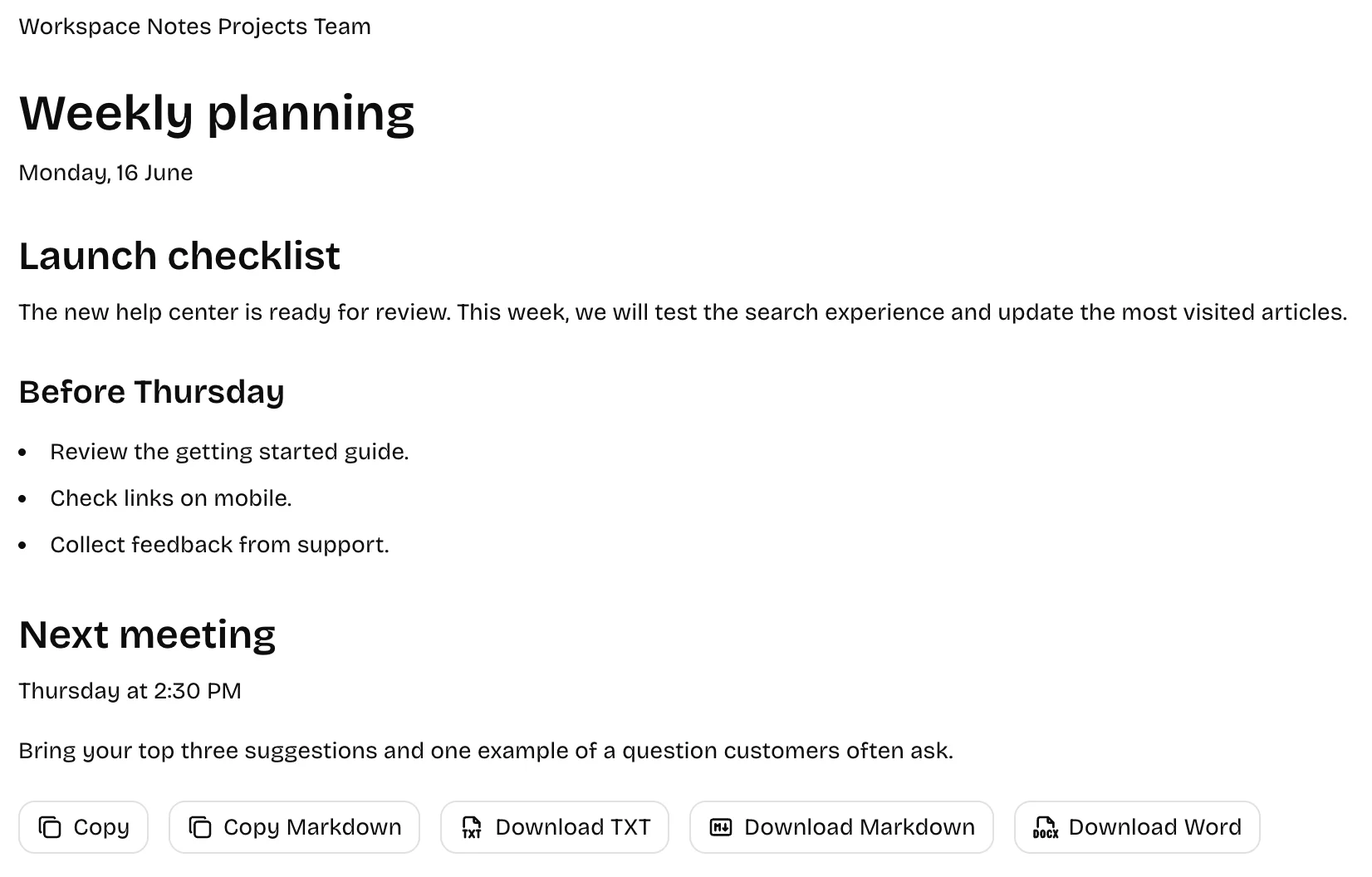
Turn text in a web page or app screenshot into text you can copy and reuse.
03
Convert clear handwritten notes into editable text for reviewing, sharing, or adding to your documents.
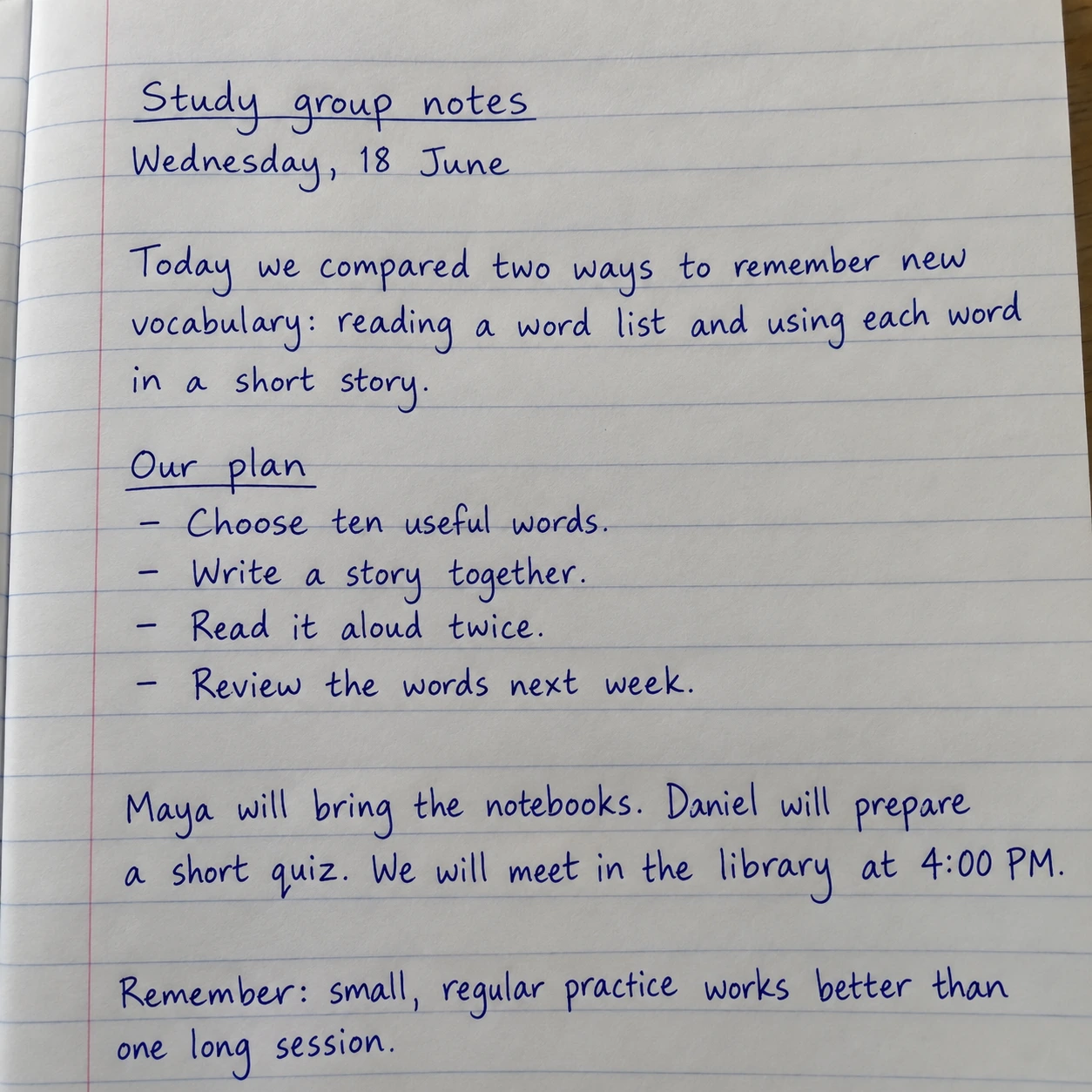
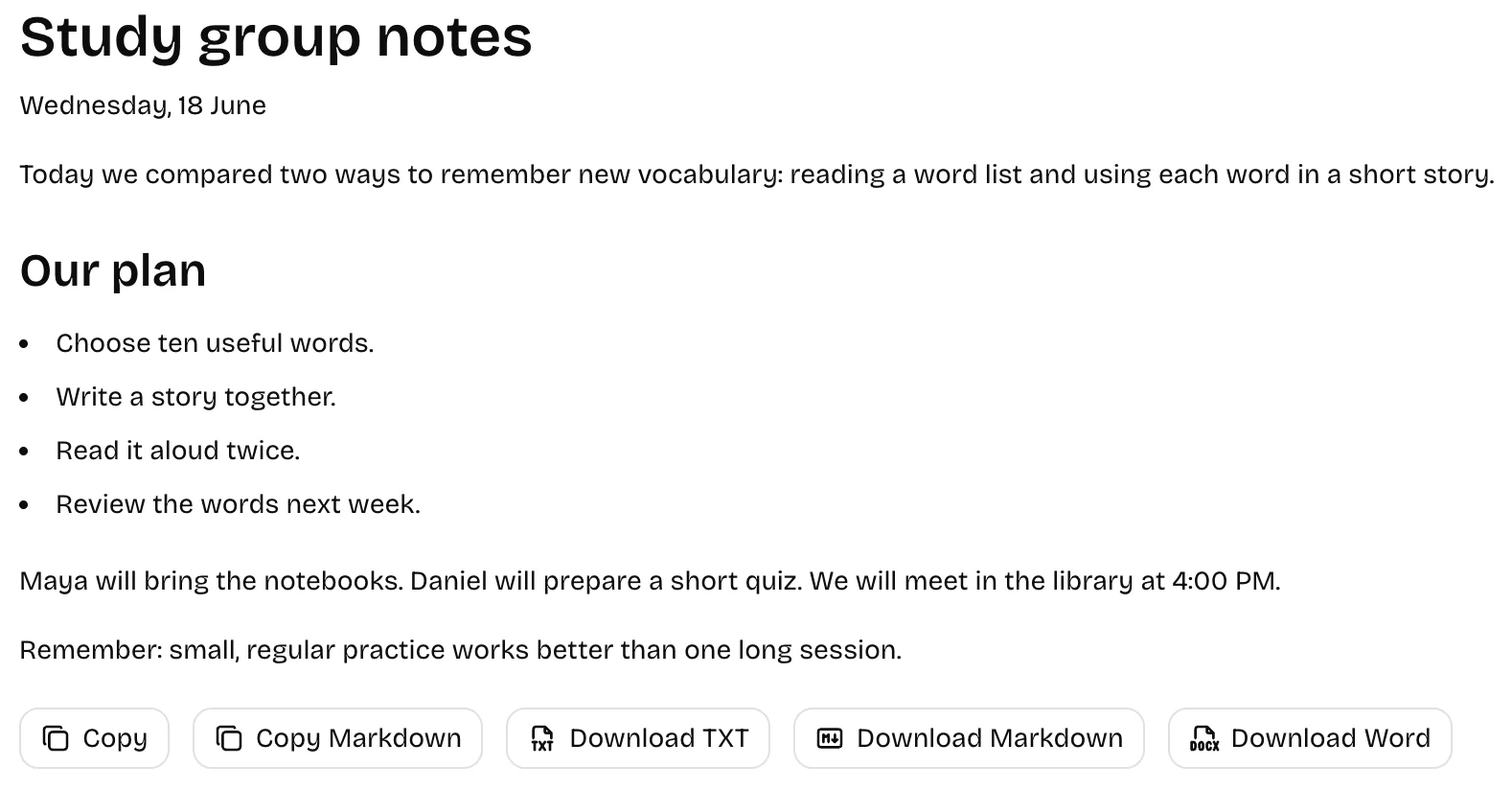
Results vary with image clarity, handwriting, and layout. Review the extracted text before use.
FEATURES
Turn images into reusable document content with paragraphs, tables, code and formulas. Review important values and structure before use.
GUIDES
Practical steps to extract text from images, choose the right tool and check your results.
FAQs
Yes. Our OCR tools are free with no daily or monthly conversion quota, even without an account. Free use is supported by ads; ads are hidden while credits remain. File-size limits and safeguards against automated abuse still apply.
Upload PNG, JPG, JPEG, WebP, HEIC, HEIF, BMP images up to 10 MB each, or paste a screenshot. Review the result, copy plain text or Markdown, or download TXT, Markdown or Word. Table tools also export CSV and Excel.
Yes. The tool can recognize legible handwriting from notebooks, whiteboards, and meeting notes. Accuracy depends on the writing style, lighting, contrast, and image clarity. Review the result and correct mistakes before using it.
The tool recognizes text in multiple languages, including mixed-language images. You do not need to switch the website interface to match the language in your image. Recognition quality varies by language, handwriting, and image clarity.
Copy plain text or Markdown, or download TXT, Markdown and editable Word. Tables also have individual Markdown and CSV downloads. Word preserves editable text and tables; formulas are retained as LaTeX text.
Accuracy depends on image clarity, text size, handwriting, and layout. Clear printed text usually works best. Review names, numbers, and other important details. Use the dedicated tools for tables, formulas, code, and diagrams.
Uploaded images and extracted text are stored on our servers. Records are normally scheduled for cleanup after 30 days; records marked for review may be kept longer. Images are sent to Google’s Gemini API for recognition. The provider may temporarily retain content for abuse monitoring. See our Privacy Policy.
For Developers
Integrate OCR into your application with our API.