

01
Store Receipt
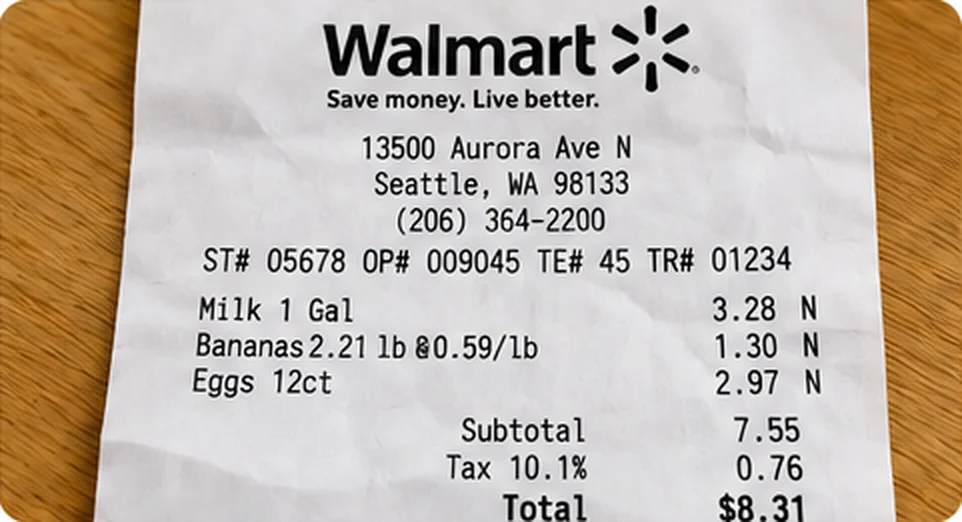
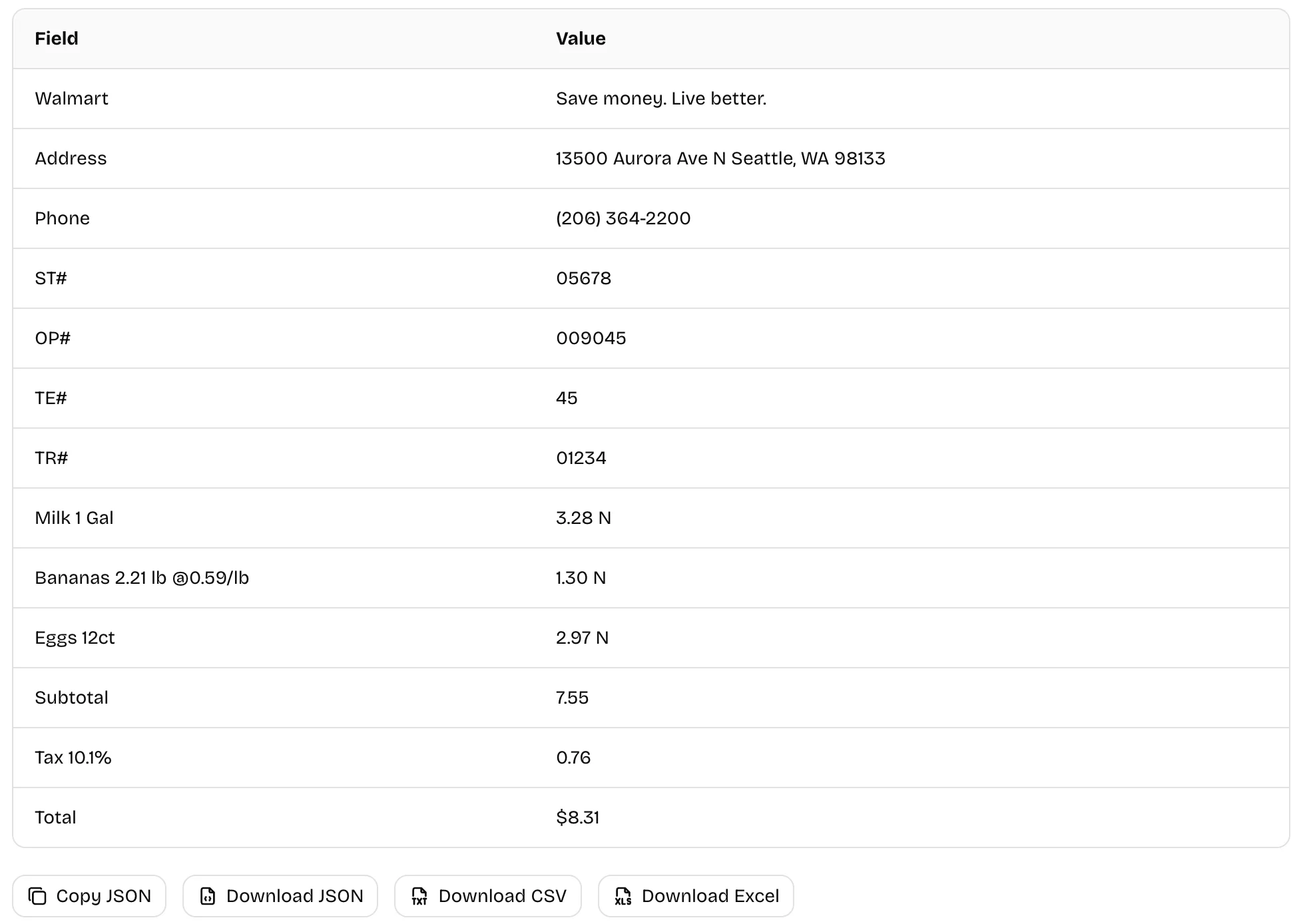
Extract store details and summary amounts such as subtotal, tax and total from a photographed receipt.
Free · No Daily Quota
Extract structured data from images, receipts, and forms with AI. Detect up to 20 key fields automatically or choose your own. Export JSON, CSV, or Excel.
No sign-up · Ads support free OCR (hidden with credits) · Images sent to third-party AI. View plans · Privacy Policy
HOW IT WORKS
Upload a PNG, JPG, WebP, HEIC, HEIF or BMP image, up to 10 MB, or paste a screenshot.
Let AI select up to 20 key labeled values, or name the fields you need. Use Image to Table for repeated table rows.
Compare the extracted values with the source image, then copy the JSON or download JSON, CSV or Excel.
EXAMPLES
Extract structured fields from a store receipt, a shipping label, and a business card.
01
Extract store details and summary amounts such as subtotal, tax and total from a photographed receipt.
02
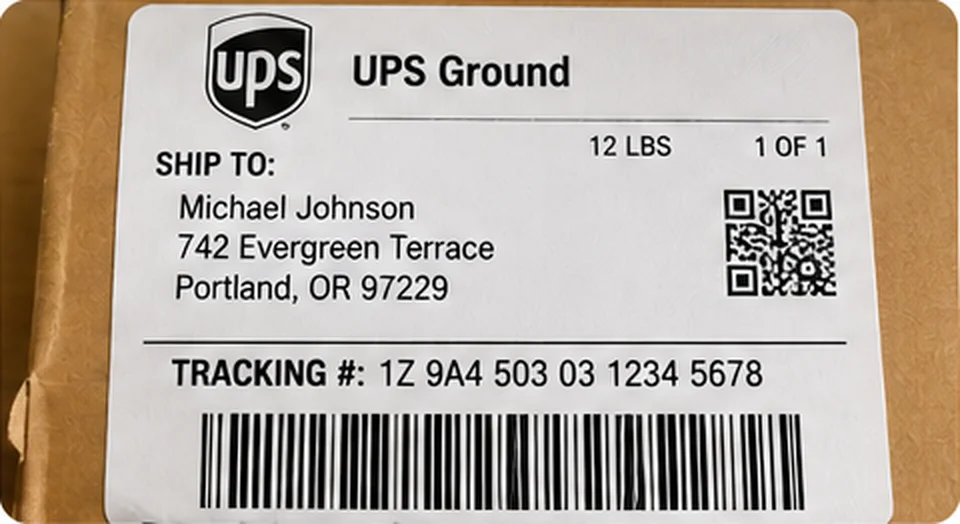
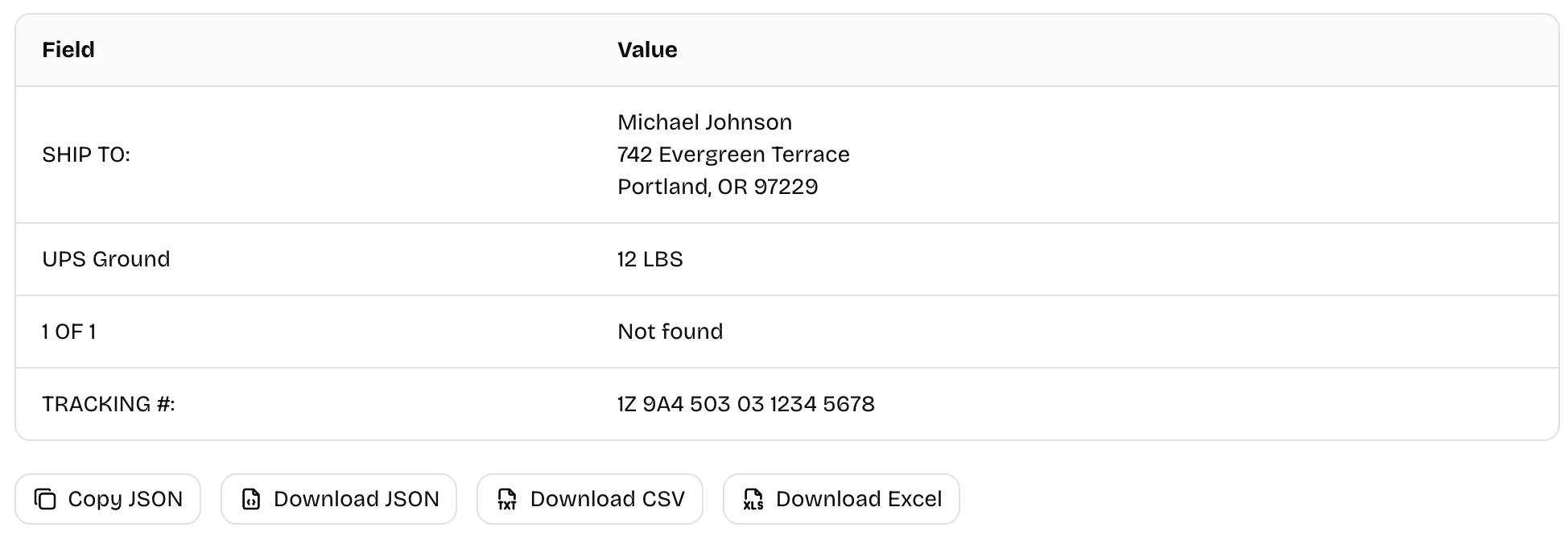
Extract recipient address, delivery service, package weight and tracking number from a parcel label.
03
Capture a contact's name, job title, company, phone, email, website and address.

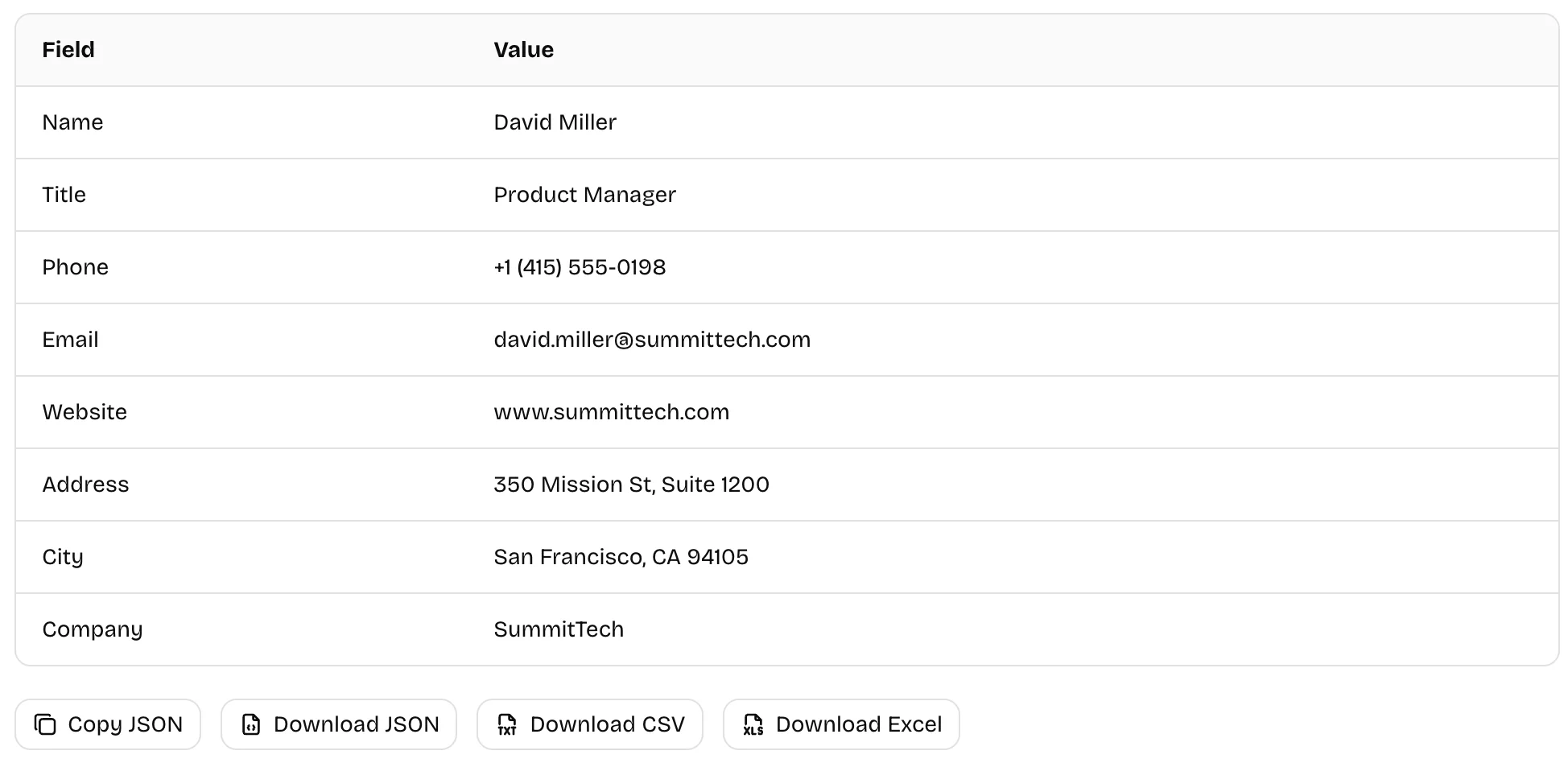
In specific-field mode, missing or unreadable values become null; automatic mode returns only identified fields. Always verify important values.
ABOUT
Image data extraction turns labeled information in receipts, shipping labels, and forms into field–value pairs. Let AI detect up to 20 key fields or specify the fields you need. For full text or repeated table rows, use the dedicated tools.
| Tool | Best for | Result |
|---|---|---|
| Image to Text | Reading all recognizable text in an image | Editable text |
| Image to Table | Restoring rows and columns in a table | Extracted tables (Markdown, HTML, CSV or Excel) |
| Image Data Extraction | Extracting selected or automatically detected labeled values | Field–value pairs (JSON, CSV or Excel) |
FEATURES
Use Cases
Extract structured fields from everyday documents, review the values, and export the results.
FAQs